
1111bet account security: what to check on each lobby screen
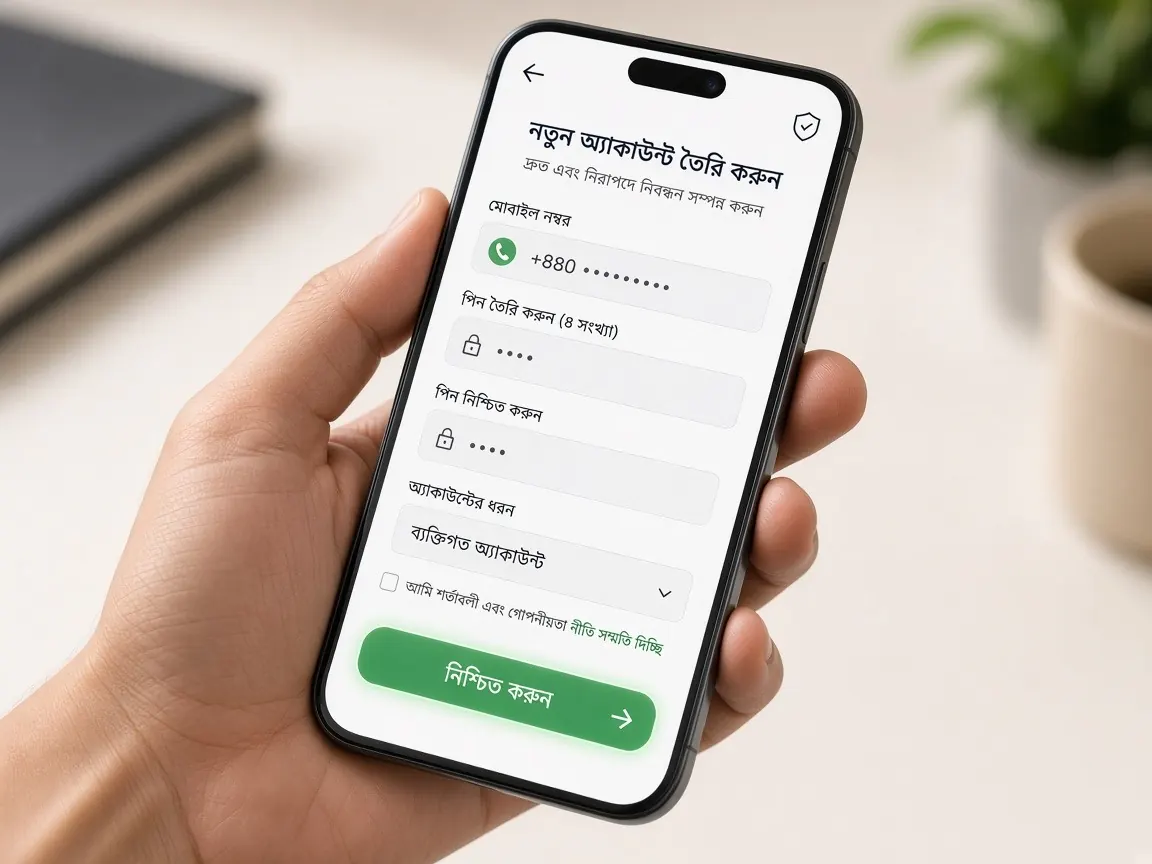
Account security is not one button; it is the sum of small habits on a few lobby screens. This page walks through the 1111bet lobby screen by screen: the address bar, the login form, the profile and password change section, the cashier records and live chat. For each, we cover what to check and which traps to avoid. Remember, this is an unofficial guide site; we cannot view, open or lock anyone's account.
How do I make sure of the address before opening the lobby?
The first security screen is actually not the lobby but the browser's address bar. A fake page can look exactly like the real one, and entering your password there hands it to someone else.
- Open the lobby only from your own saved bookmark or this guide's lobby button.
- Do not tap links that arrive in messages, comments or ads, however believable they look.
- If one letter of the spelling is off, stop right there. How to compare is in the address check lesson.
Once you reach the right address, bookmarking it means you never have to search for it again; fake pages can rise to the top of search results or ads. On a phone you can also add the lobby to your home screen, so you always enter the same way. And if, after opening the lobby, you see an unfamiliar login page instead of the usual look, odd pop-ups or pressure like "log in again right now", stop before entering your password, close the browser and open it again from your bookmark.
Which habits on the login screen protect my account?
The login form has two or three fields: number or username, password, and sometimes an OTP. On this screen, security mostly means looking after your password and codes.
- A separate password: do not reuse a password you use on another site, email or wallet. If one place leaks, the rest are at risk too.
- Hard to guess: instead of a birth date, phone number or name, use a long password that mixes letters, numbers and symbols.
- OTP only in the lobby box: there is no reason to tell anyone the code sent to your phone, even if they say they are support.
- Careful on shared phones: think about whether to let the browser save your password. If you log in on someone else's phone, log out when you finish.
Details of each login field are in the login lesson.
Where do I find the option to change my password in the profile?
After login there is usually an account icon or your name in a corner of the home screen; tapping it opens the profile or account settings. Look there for a section called security or password, under whatever name the lobby uses. The password change form usually asks for the old password, the new password and the new one again. Good times to change it:
- If you suspect someone else knows your password.
- Immediately, if you accidentally logged in through an unknown link.
- Before selling or giving away an old phone, after logging out.
Keep the other profile fields (name, phone number, wallet details) filled in with your own correct information. These are what help later with account recovery or verification; what goes in each field is explained in the account verification lesson. If you cannot remember your password, follow the reset screens in the forgot password lesson.
Which record shows whether an unknown transaction happened?
Every so often, glance through the cashier's deposit and withdrawal records and your bet history. You will recognise your own transactions by date, amount and method.
- A withdrawal request you did not make.
- The wallet number in your profile has changed, but you did not change it.
- Bets at a time when you were not playing.
This check does not take long. Once a week, or a quick look after each deposit and withdrawal, is enough. You can keep a small note for yourself, such as when you deposited how much and when you requested a withdrawal, which makes matching against the record easier and keeps your spending in view. How to read the record columns is in the bet history lesson. If you notice any of the above, take the steps in the next section without delay.
If I see something suspicious, what do I do and in what order?
- Change your password from the profile's security section, right away.
- Keep evidence: take screenshots of unknown transactions or changed details, with date and time.
- Report it in the lobby's live chat: give your account ID, what you saw, and the screenshots. Do not type your new password or OTP in chat. Sample messages are in the live chat lesson.
- Check your wallet too: see whether your own bKash, Nagad or Rocket app shows unknown transactions, and if needed contact that wallet's own help section.
If someone says "I'll unlock your account", how do I know it's a trap?
The weakest point of security is often outside the lobby. If someone on Telegram, WhatsApp or Facebook introduces themselves as "official support" or an "agent" and asks for any of the following, end the conversation there:
- Your password, OTP or wallet PIN.
- A "verification" or "unlock" fee.
- Logging in again through a link.
- Installing an app on your phone and sharing your screen.
These messages are usually written with urgency: "your account will be closed if you don't act now" or "today is the last chance". That urgency is the biggest signal. If in doubt, do not reply; open the lobby from your own bookmark, check whether the profile and records show any warning, and ask any questions in the lobby's own chat. The lobby's own support is in the chat inside the lobby. More examples of these messages are in the fake site lesson.
Account security: questions
Will live chat support ever ask for my password?
Sorting out a problem should not need your password or OTP. If anyone asks, do not give it, and check again that the chat is the one inside the lobby.
Is it safe for several family members to share one account?
No. It becomes hard to tell who made which transaction, and the password ends up with many people. It is better for each account to belong to one person in their own name, for adults over 18 only.
What do I do first if I lose my phone?
Log in to the lobby from another device and change your password, then report it in live chat. For your SIM and wallet, contact the operator's and the wallet's own help sections.
App or browser: which is safer?
Both use the same account. The key point is to get the app from the lobby's own app screen, not from an outside APK link. Details are in the app download lesson.
Open profile settings in the lobby
This site is not official; it only explains the lobby screens, and we have no access to anyone's account. The security options shown in the lobby are final. 18+. Keep limits on your own time and spending: responsible play.