
Forgot your 1111bet password: the reset screens, one by one
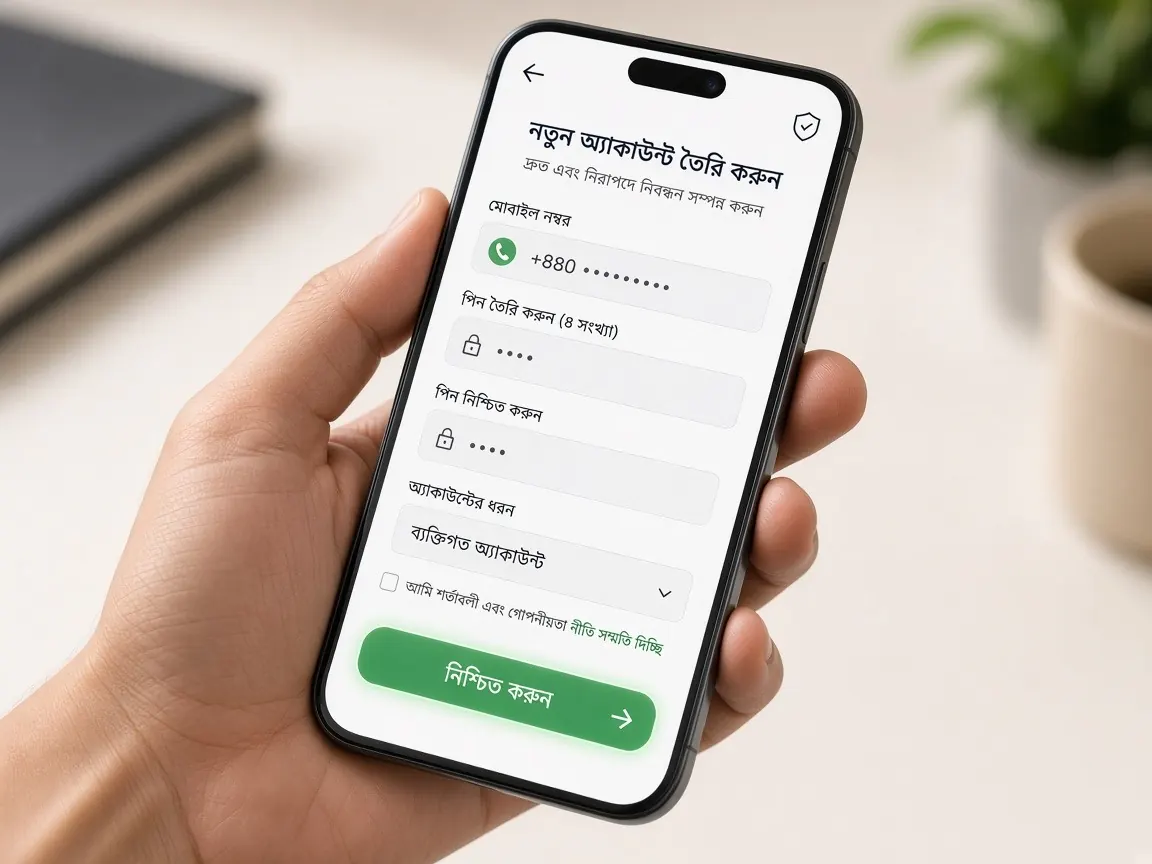
Your password won't come back to you, and the login screen keeps saying "incorrect". At this point most people either try one password after another blindly, or search for some "recovery service". Both make things worse. This page splits getting your password back into a few screens: the login screen, the reset form, the code box, the new password box and, finally, logging in again. A reminder first: this is an unofficial guide site with no forms. Passwords are changed only in the official lobby.
What should I check before resetting my password?
Pause for a minute before you start a reset. Often the password is not the problem; something else is. Check these three things first:
- The address: look at which address is open in the address bar. A fake page can show even your real password as "incorrect", and everything typed there goes to someone else. If in doubt, read the address check lesson first.
- The keyboard: with a Bangla keyboard or caps lock on, the same password types differently. If there is an eye icon, tap it to see what is being typed.
- The first box: make sure the number or username is correct, with no extra space at the start or end.
If all of that is right and you still can't get in, stop retrying. In many lobbies, repeated wrong attempts can lock an account temporarily, which only adds work. Keep the phone with the SIM you registered with close at hand.
Screen 1: where is "forgot password" on the login screen?
Open the lobby from this guide's lobby button or your own bookmark, then tap the login button. In the small form that opens, there is usually a link in small text under the password box or near the login button: "Forgot password" or whatever name the lobby uses. On a small phone screen it may be in a faint colour, so scroll the form up and down a little.
If you cannot find the link at all, do not go looking elsewhere. Skip straight to the Screen 6 section, which covers live chat.
Screens 2 and 3: what do I type in the reset form and the code box?
Tapping the link opens a reset form. It usually contains:
- The number or username box: exactly what you gave when you registered. Check the text beside the box to see whether the country code goes in a separate field.
- The send-code button: this sends a verification code to that number (by whatever method the lobby uses). Tap it once, then wait.
- The code box: enter the code from your phone only in this box. If you paste it, check that no space slipped in at the start or end.
If the code does not arrive, don't tap "resend" over and over. Check that the SIM has signal, that it isn't in another phone and that your message inbox isn't full, then wait a little and try once more. If, right at this moment, someone calls or messages saying "tell me the code, I'll fix it", end the conversation immediately. The lobby's real support does not ask for your code.
Screen 4: what makes a new password safe?
Once the code matches, the new password boxes appear, often two: one to type it and one to confirm. If a rule is written under the box (such as mixing letters and numbers), follow it. On your side, keep a few habits:
- Choose something completely new, not a small tweak of the old password.
- Don't build it from your birthday, mobile number or name.
- Don't reuse your email, Facebook or wallet password here.
- If you write it on paper, keep it where no one else looks; on a shared phone, don't let the browser save it.
Type the same thing in both boxes and tap the confirm button. If it works, a message appears on screen, or the lobby sends you back to the login screen.
Screen 5: what should I check after logging in with the new password?
Log in with the new password. When the home screen opens, check three things at a glance:
- The account ID or name at the top: is it your own account?
- The number in your profile: is your own SIM number saved? If not, the code will go somewhere else the next time you lose your password.
- Transaction and bet history: is there any deposit, withdrawal or bet you don't recognise?
If everything looks familiar, you are done. Finally, log out and back in once to make sure you remember the new password. Also keep in mind whether other phones or computers you were logged in on will now need the new password.
Screen 6: what do I write in live chat if the reset doesn't work?
If there is no link, the code never arrives, or you no longer have the registered number, the live chat inside the lobby is the way forward. In many lobbies the chat icon is visible even without logging in, usually in a corner of the screen. Keep your message short and clear:
- What to write: your username or registered number, which screen you are stuck on, and a screenshot of any error message.
- What never to write: your old or new password, OTP, or bKash, Nagad or Rocket PIN.
Support may ask for some details to confirm who you are, such as the rough date of your last deposit or which wallet you used. Details like that are fine to share; secret codes are not. Examples of how to write it clearly are in the support lesson.
And if someone on Telegram, WhatsApp or Facebook sends a link saying "I'll recover your password", type nothing there. Pages like that look just like the lobby. How to spot them: fake site lesson.
Forgotten password questions
I lost the registered SIM. How will the code reach me?
First try to get a replacement SIM for the same number from your mobile operator. If that isn't possible, tell the lobby's live chat that you no longer have the number. Support will tell you what details are used to confirm your identity.
Does a reset wipe my balance or bonus?
Changing your password only changes the key you use to get in. Still, after logging in, check your balance, any running bonus and your history once. If anything looks unfamiliar, report it in live chat with the date and transaction ID.
I don't remember my username either, only my number. What now?
Look at the text beside the first box of the reset form; if it lets you use a number, enter that. Otherwise, ask for help in live chat and give them the number.
My account shows as "locked". Can I still reset?
Don't keep trying while it is locked. Take a screenshot of the message on screen and share it in live chat. The lobby's message or support will tell you when you can try again.
Will I get the free signup bonus again after a reset?
No, changing a password does not create a new account. Who the free signup bonus and the 100% first deposit match apply to is written in the terms on the lobby's promo screen. Getting your old account back is the right path, not opening another one.
This site is not official; it only explains the screens, and it has no login or reset form. Type passwords and codes only in the official lobby's boxes. 18+. Set your own limits before you play: responsible play.