
1111bet withdrawal pending: how to read the record line and what to do while you wait
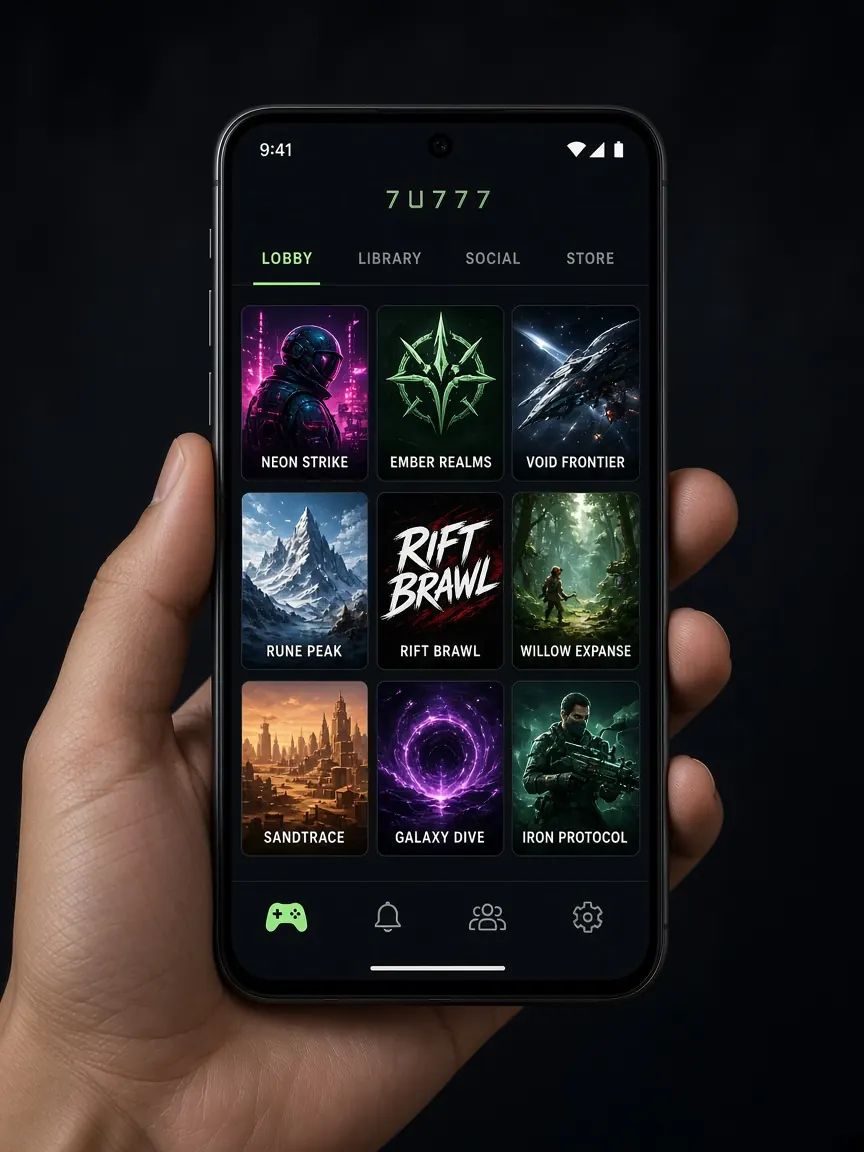
You sent a withdrawal request, and the cashier record says "pending" next to it. The word is not changing. This page is about that one line only: what each part of a pending line in the 1111bet lobby's withdrawal record tells you, which screens to open while you wait, what to avoid, and when to go to live chat. For the full path of filling in the withdrawal form, see the withdrawal lesson first. This is an unofficial guide; we cannot see or speed up any request.
What does pending actually mean?
Put simply, your request has been submitted in the lobby but the final step has not happened yet. We do not know what happens internally, so we will not guess. What is certain from your side: the request is not lost, it is in the record. Your job now is to check whether the request was sent correctly and whether anything on your side is blocking it.
The exact word the lobby uses can vary by screen: "processing", "waiting", or "Pending" in English. Whatever the label, the meaning is the same: the request is not finished. The next state is usually one of two: successful, or cancelled or rejected. So instead of refreshing constantly while you wait, opening the record once every so often is enough. Each time, look only at the status and the comment box, because that is where a change will show first.
Which fields on the pending line should I check?
Go to the cashier and open the withdrawal record or history, under whatever name the lobby uses. Tapping the pending line often opens the details. Check them one by one:
- Amount: is it the amount you asked for?
- Method: is the wallet you want the money in (bKash, Nagad or Rocket) the one selected?
- Recipient number: do the last few digits match your own wallet number? If one digit is wrong, you need to know now.
- Date, time and request ID: write them in a note; chat will need them.
- Comment or reason box: if anything is written, read it carefully and take a screenshot.
If the number or method is wrong, tell live chat before sending a new request, so you do not end up with two requests for the same money.
If every field is correct, keep the screenshot so you do not have to look for it again later. If you requested more than one withdrawal on the same day, note each line's ID separately; when talking in chat, it needs to be clear which request you mean. You can also compare the new line with older successful withdrawals: is the number or method the same as last time?
Why does my balance look lower while the request is pending?
Many people see the balance on the home screen and fear the money has vanished. In many lobbies, the requested amount is set aside from the playing balance as soon as a withdrawal is requested, so the balance looks lower. How the 1111bet lobby shows it exactly, check in the details beside the balance or in the record. Keep two things in mind:
- If the amount missing equals the pending request, there is nothing to panic about; it is in the record.
- If the request is cancelled, check the record status and the balance to see where the money went back to.
Which two screens should I open while I wait?
Blocks on your side usually show up in two places, so rather than just staring at "pending", open these two.
The promo or bonus screen
If you took the 100% first deposit match or the free signup bonus, the terms may include a turnover requirement. See whether the promo screen shows the bonus progress or what remains. The terms as shown in the lobby are what count; a plain explanation is in the bonus lesson.
The profile or verification screen
If the profile shows your name, phone number or a verification field as incomplete, or there is a notice asking for documents, complete it. What goes in each field is explained step by step in the account verification lesson. Upload documents only in the lobby's own upload box, never to anyone outside the chat.
What should I avoid while a request is pending?
- Repeated new requests for the same money: several pending lines in the record make matching harder.
- Cancelling and going back to play: even if the lobby offers a cancel option, cancelling out of impatience and playing that money again raises the risk of breaking the limit you set. Make that decision with a calm head.
- Changing your wallet number: changing payment details in the profile while a request is running can cause confusion. If you need to change it, ask in chat first.
- Giving anyone your password: if someone asks for your login to "take a look", do not give it.
What should I send live chat if it stays pending for a long time?
We do not define how long "a long time" is; if the lobby's cashier or promo screen mentions a time, go by that. After doing the checks above, open the live chat inside the lobby and send one message with: your account ID, the request ID, the amount, the method, the date and time, and a screenshot of the pending line. If you noticed anything about your profile or bonus, mention that too. Keep a screenshot of the reply. Sample messages are in the live chat lesson. And if someone outside the lobby says "pay a fee and I'll release your withdrawal", that is a familiar scam; send nothing.
Withdrawal pending: questions
Is there a set time for pending to turn into successful?
We cannot give a time, because that depends on the lobby's own process. If the cashier mentions a time, check that; if not, look at the record every so often and ask in chat if needed.
The record says successful, but the money is not in my wallet. What now?
Open your wallet app's transaction history; you may have missed the notification. If it is not there either, send a screenshot of the record and a screenshot of the wallet history together in live chat.
It went from pending to cancelled. Where do I find the reason?
Tap the record line and look at the comment or reason box. If nothing is written, ask in chat with the request ID, then fix the cause and submit a new request.
What can I prepare in advance for smoother withdrawals?
Keeping your profile complete, using a wallet in your own name and reading bonus terms beforehand usually help. Details are in the stuck withdrawal lesson.
See the withdrawal record in the lobby
This site is not official; it only explains the lobby screens, and we do not process any withdrawal. Rules and limits shown in the lobby cashier are final. 18+. While you wait, remember your own limit so you do not get pulled into extra play: responsible play.