
1111bet deposit not received: a step-by-step search across five lobby screens
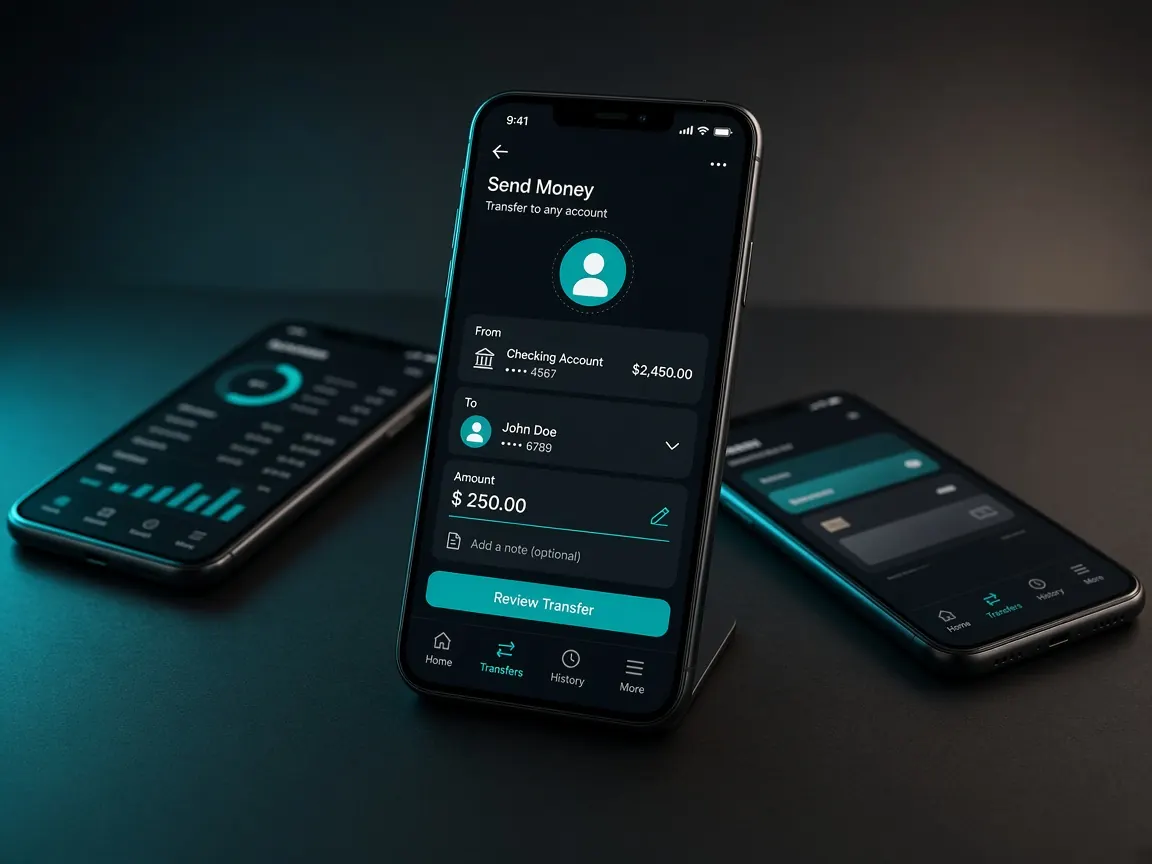
Money has left your wallet, but the balance in the 1111bet lobby looks the same as before. When that happens, panicking and sending the money again is the biggest mistake. This page splits the search into five screens: your wallet receipt, the lobby home screen, the cashier's deposit record, the payment method screen, and finally live chat. For each screen we explain what to check. Remember, this is an unofficial guide site; we cannot see or fix any transaction. Problems are solved only inside the official lobby.
What should I not do the moment I notice the deposit is missing?
For the first few minutes, avoid three things. These are what usually turn a small problem into a big one.
- Do not send the money a second time. The first deposit may still be in progress. Sending again means two transactions to match, and twice the trouble.
- Do not delete the receipt. Keep everything: the wallet message, the app notification, the receipt page.
- Do not reach out to outsiders. Post "deposit not received" in a Facebook group and someone will offer to "fix it". Do not go down that road; the reason is explained in the last section below.
Screen 1: which details from the wallet receipt should I write down?
Before opening the lobby, open your own wallet app (bKash, Nagad or Rocket), go to the transaction history and find that transaction. Write these four things in a note and take a screenshot of the whole page:
- The transaction ID (TrxID or reference number), letters and digits exactly.
- The amount, exactly how much went out.
- The date and time, as written on the receipt.
- The number or payment page the money went to, only for matching.
If the wallet history shows the transaction as failed or cancelled rather than successful, the money may not actually have gone; in that case check the wallet app's own help section. If it shows successful, move to the next screen.
Whether you keep this note on paper or in a phone notes app, you will compare against it on every screen that follows. Do not rely on memory; if you remember the amount or time slightly wrong, finding the right line in the lobby record gets harder.
Screen 2: is the balance on the lobby home screen really old?
Sometimes the money has arrived and the page is just showing old data. So first do these quick checks:
- Refresh the page; if you use the app, close it and open it again.
- Log out once and log back in. If login gets stuck, see the login lesson.
- Check that the account name or ID at the top of the home screen is your own. If the same phone is logged in to a family member's account, the deposit may have gone there.
- Look at the address bar. If you deposited on the wrong page, the problem is entirely different; read the fake site lesson.
Screen 3: what status does the cashier's deposit record show?
Now open the cashier and go to the deposit history or record section, under whatever name the lobby uses, such as record, history or transactions. Find your request by matching the date and amount. Then read the status next to it and see which of these fits:
- Successful or completed, but the balance did not go up: refresh again. If it still does not match, take a screenshot and go straight to live chat.
- Pending or processing: the request reached the lobby but has not been matched yet. Wait a while and check again. We cannot say how long it will take.
- Failed or cancelled: if a reason is written beside it, read it and take a screenshot.
- Nothing in the record: perhaps the last step of the form was not completed, or the ID was never entered. Check the next screen.
If the record is hard to read, the lesson on reading the history screen will help.
Screen 4: did I skip the TrxID box on the payment method screen?
With some methods, the lobby asks for the transaction ID after you send the money. If you left that box empty and moved on, the lobby may not know which transaction is yours. Open the method you used in the cashier again, but do not send new money; just check whether there is a box or instruction for submitting the ID or reference. If there is, enter the ID from your note exactly; mixing up zero and the letter "O", or "1" and "l", is very common.
Check one more thing: is the amount you typed in the form the same as the amount that left your wallet? If not, mention that in chat too. Method-by-method screen details are in the bKash and Nagad lessons.
Screen 5: what details help live chat understand the problem quickly?
If the checks above do not solve it, open the live chat inside the lobby; there is usually a chat icon on the home screen or in a corner of the menu. Write one organised message with:
- Your account ID or username.
- The method, amount, date and time.
- The transaction ID.
- Screenshots of the wallet receipt and the lobby record.
Never type your password, OTP or wallet PIN in chat; matching a deposit should not need them. When someone replies, keep a screenshot of the conversation. Examples of how to write clearly are in the live chat lesson.
If someone outside the lobby says "I'll get your deposit back"
Do not engage. If someone on Telegram, WhatsApp or Facebook introduces themselves as "support" or an "agent" and says a "verification fee" will release your stuck deposit, or asks for your OTP, that is not part of any lobby screen. There is no assurance that money sent outside the lobby will ever come back. To recognise this kind of message, see the agent warning lesson.
Deposit not received: questions
The record says pending. Will depositing again make it faster?
No, it just means two transactions to match. Wait for the first one's status to change, and if it does not change for a long time, report it in live chat with the ID.
The wallet receipt is gone. Where do I find the ID?
The transaction history in your wallet app lists the ID for every transaction. Find the transaction by date and amount and take a screenshot from there.
I ticked the first deposit bonus. Will I lose that too?
How the 100% first deposit match is added follows the terms shown on the lobby's promo screen. Once the deposit is matched, check the bonus status in the promo or balance section, and if you have questions, mention it in the same chat message. Details are in the first deposit bonus lesson.
I sent it from someone else's wallet. What now?
Say so clearly at the start of your chat message, including which number it came from. In future, use a wallet in your own name; it causes fewer problems later during withdrawals or account verification.
This site is not official; it only explains the lobby screens, and we do not see or fix any transaction. Deposit rules and limits shown in the lobby cashier are final. 18+. Do not deposit more to win back lost money: responsible play.