
1111bet bet history: how to read the record screen
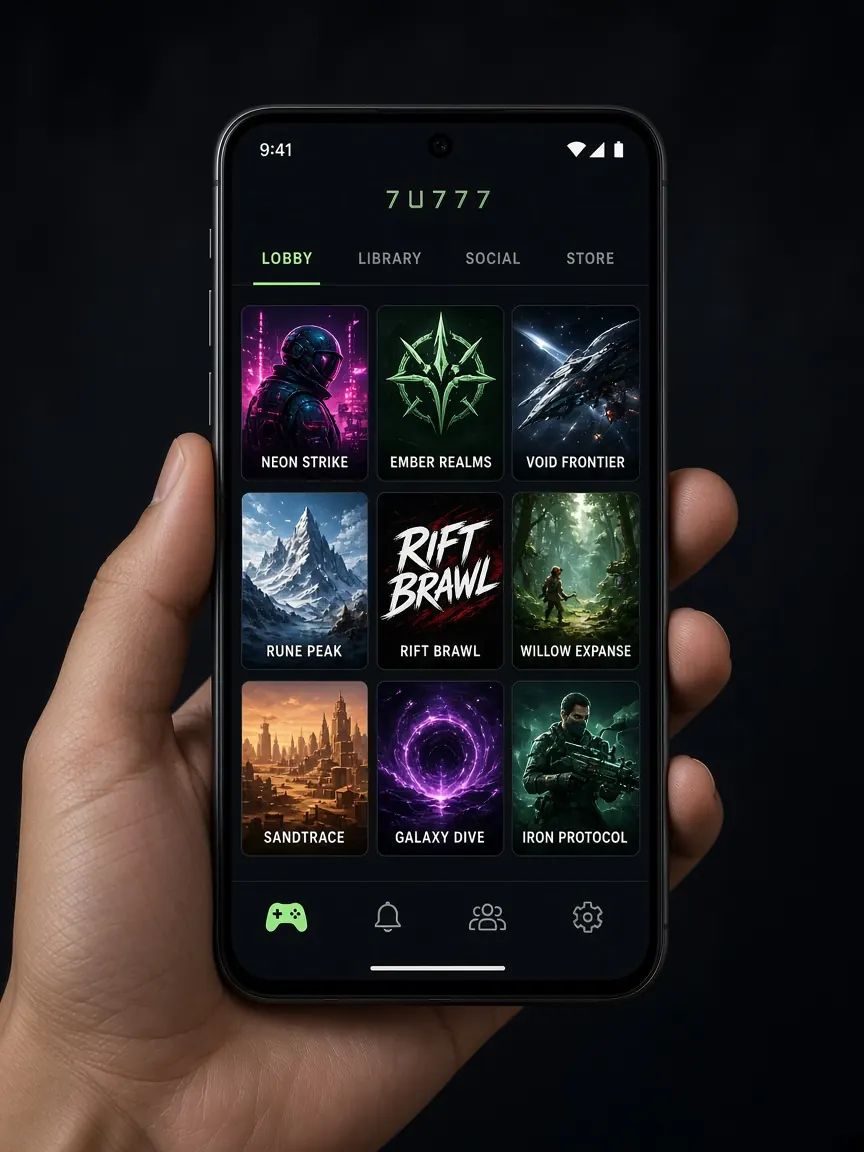
You finish a game and the balance isn't what you expected, or a cricket bet still says "pending". The first screen to open at that point is your bet history. This page breaks that screen down: where to find it, how to set the filters, what each row's text means and what to do when the numbers don't add up. This is an unofficial guide site; your real records live only in the official lobby, not here.
Is bet history the same as transaction history?
No, and understanding the difference clears up half the confusion. A lobby usually keeps two kinds of record in separate places:
- Transaction records: deposits, withdrawals and bonuses being added, meaning money moving between your wallet and the lobby. These sit near the cashier.
- Bet records: how much you staked on each game or bet, what the result was and how it changed your balance.
Questions like "I deposited but it isn't in my balance" are answered in the transaction records; those steps are in the bKash deposit lesson. Questions like "why did my balance drop after playing" or "what happened to my bet" are answered in the bet records. This page is about the second kind.
Screen 1: where is bet history in the lobby?
Open the lobby from this guide's button or your own bookmark and log in. Then look for:
- The profile or account icon: usually in a top corner or the bottom menu. Tapping it opens a list.
- The records section: in that list, tap "Bet record", "Bet history" or whatever name the lobby shows.
- If sports are separate: in some lobbies, cricket and other sports bets are recorded separately inside the sports section, often under something like "My bets".
Once you find it, remember where it is, so you won't have to dig through menus in a hurry when something goes wrong. The path is the same in the app: profile, then records. The menu layout may look a little different, so go by the names rather than where the icons sit. Before opening it, check that the account ID at the top is yours; on a shared family phone, someone else's account may be open and their records could confuse you.
Screen 2: how do I set the date and game filters?
The record screen usually has a few filters at the top. Set them properly and you will find the row you need much faster:
- Date: today, yesterday or a range you choose. Recall the rough day of the bet you are looking for first.
- Game type: slots, live casino, sports, fishing and so on. Pick the type you played.
- Status (if shown): settled, pending or cancelled, if you only want to see one kind.
If nothing shows, check the filters again first; with the wrong date or game type the list comes up empty. Then refresh the page and look again.
Screen 3: what does each piece of text in a record row mean?
Each bet usually appears as a row or card. Tapping it opens the details, which may include:
- Bet ID or reference: this bet's own number. It is the most useful detail when you take a question to support, so screenshot it.
- Time: when the bet was placed.
- Game or match name: which slot, which table, or which market in which match.
- Stake: how much you put in.
- Result or return: what came back if you won; zero or a minus sign if you lost.
- Status: whether the bet has been settled.
Bets placed with bonus money may be shown with a separate mark or a separate balance. If you took an offer such as the 100% first deposit match, check the terms on the lobby's promo screen to see how its turnover is counted.
Sports bet details may show more, such as which team or outcome you backed, and, for bets combining several matches, the state of each part separately. If one part is pending, the whole bet may show as pending. Live casino and slot records usually list each round or spin separately, so seeing many rows even for a short session is normal.
Screen 4: what do I do if a bet is "pending" or the numbers don't match?
Go one step at a time, not all at once:
- Pending sports bets: a bet doesn't show as settled before the result of the match or that market is decided. Check whether the match has finished, then open the records again a little later.
- Connection dropped mid-game: log in again and look at the row for that time in your records. Reopening the same game often shows where it left off.
- Reconciling your balance: for a specific period, write down the stakes and results side by side and add them up. Also check the transaction records for any deposit or withdrawal in that period.
- If it still doesn't match: send the bet ID, date and time, game name and a screenshot of the record to the lobby's live chat. How to write it clearly is in the support lesson.
Never give your password, OTP or wallet PIN in chat or anywhere else. And if someone outside the lobby says "I'll fix your bet result", that is not the lobby's support.
Open your bet records in the lobby
How can I use bet history to see my own spending?
This screen isn't only for when something goes wrong. Once a week, set the date filter to the last seven days and see how often you played and how much you staked in total. Seeing it on screen is much clearer than keeping it in your head. If you find you have spent more than the limit you set, or you keep betting to win back losses, it is time to stop. Ways to take a break and set limits are on the responsible play page.
Bet history questions
Can I see bets from previous months in the history?
How far back the records go is shown by the lobby's filter options. It is a good habit to keep your own screenshots of any older bets that matter to you.
A bet shows as "cancelled". Where did the money go?
Check that row's details against your balance to see whether the stake came back. If it isn't clear, ask in live chat with the bet ID.
I see bets in my records that I didn't place. What should I do?
Change your password first, then report those bets' IDs and times in live chat. Think about which other devices you are logged in on and log out of them.
Do the app and the browser show the same history?
If you are logged in to the same account, the records belong to the same account. If one looks out of date, log out and back in or refresh the page.
Is it safe to send a screenshot of my history to someone?
Share screenshots only in the lobby's live chat. Before sending, check the image doesn't show a password, OTP or wallet details. Don't send pictures of your account to unknown "helpers" on Telegram or Facebook.
This site is not official; it only explains the screens. Your bet and balance records as shown in the lobby are final. 18+ only; play within your limits.